
User Journey: View Insurance Overview Page #
Goal:
To view a summary and detailed breakdown of all insurance policies, including upcoming expirations and premium trends.
Entry Point:
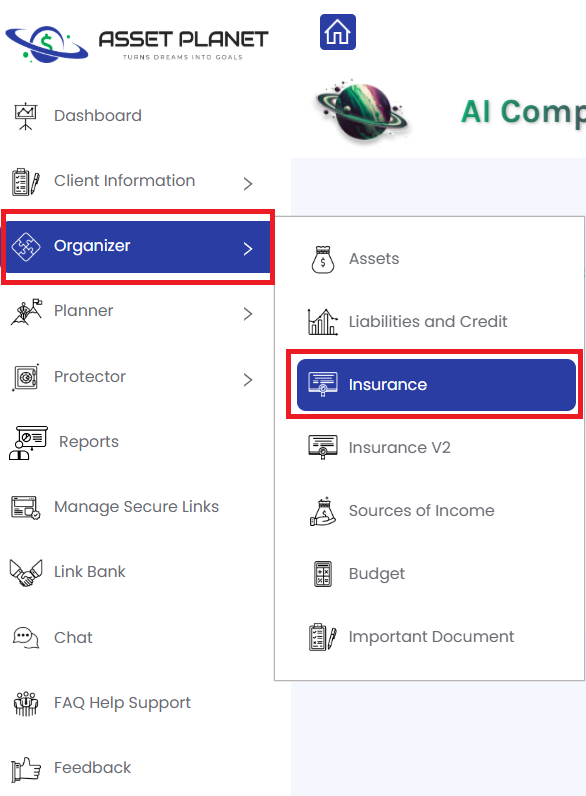
User clicks on the “Insurance” tab under the “Organizer” menu.
Steps:
- User selects “Insurance” from the Organizer tab.
- System navigates to the Insurance Overview Page.
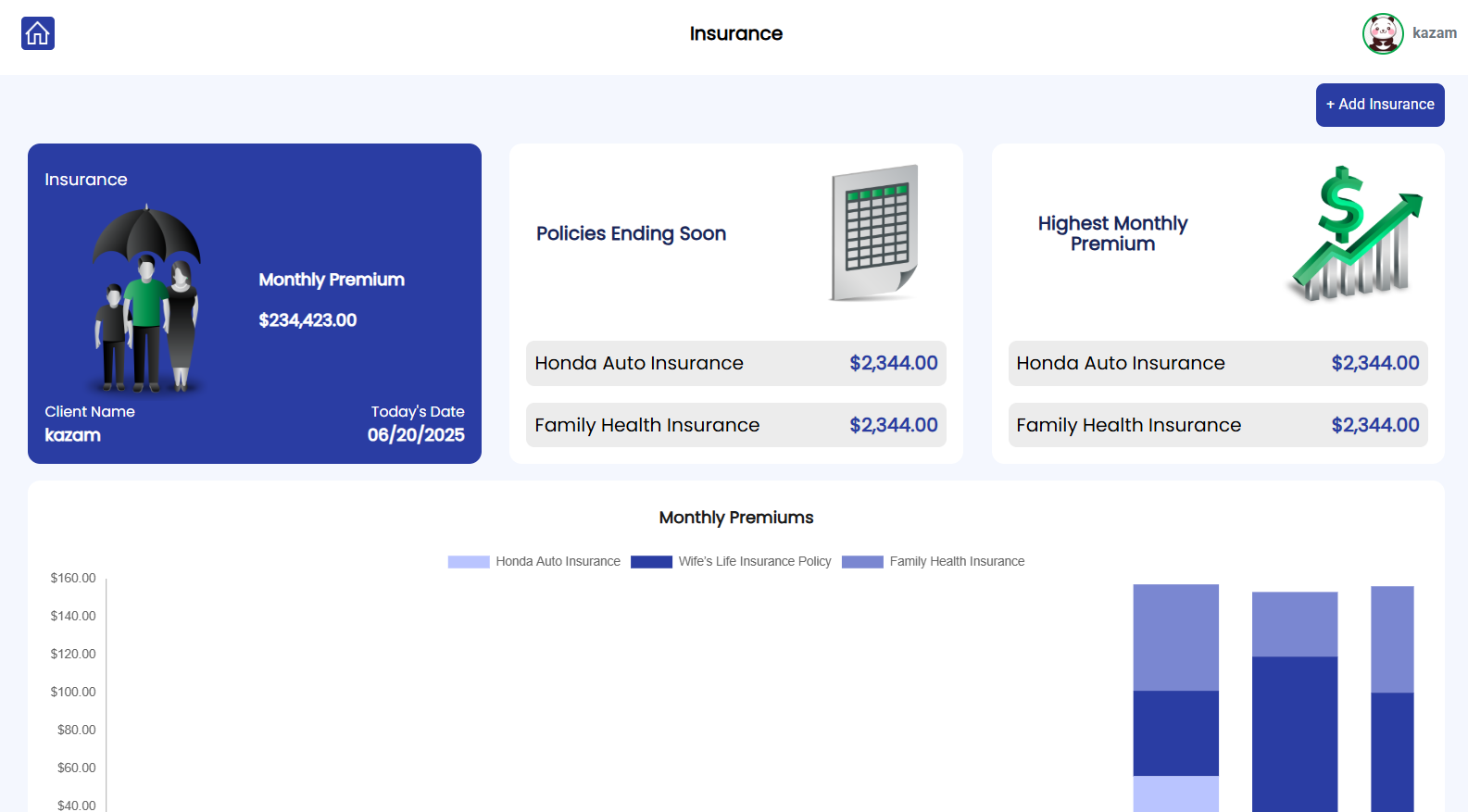
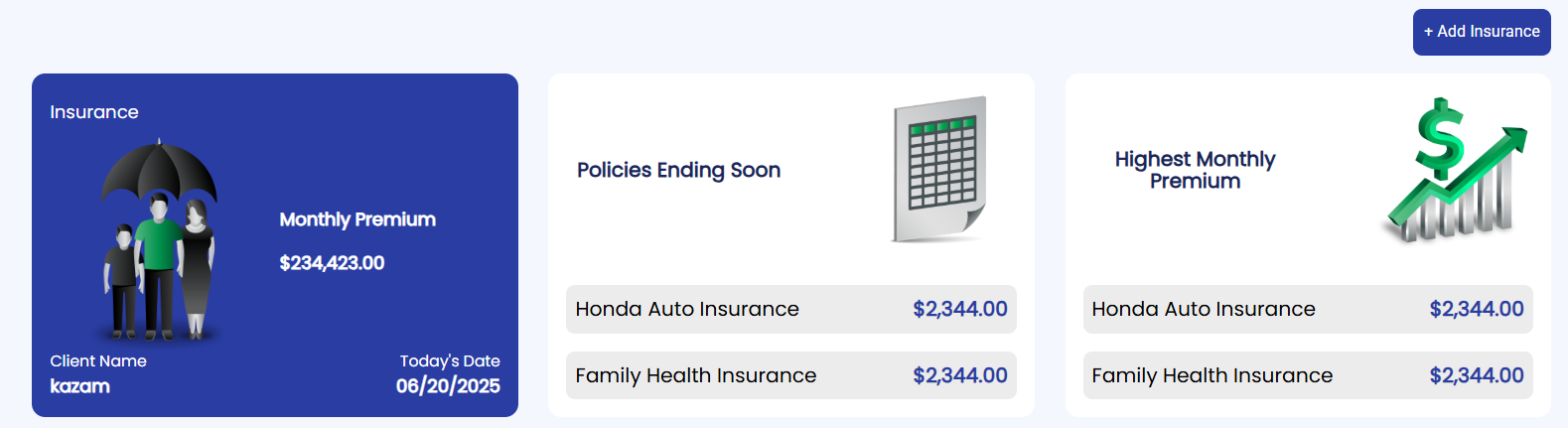
3. User sees three summary cards at the top:
- Total Insurance
- Policies Ending Soon
- Highest Monthly Premium
Each card displays key stats (e.g., counts, premium totals).
4. User scrolls down to a Monthly Premiums graph, with:
- Y-axis: Premium Amount
- X-axis: Months

5. User scrolls further to view a table listing all insurance policies.

User Journey: Add Insurance
Goal:
To add a new insurance policy by selecting its type and sub-type, then entering policy details.
Entry Point:
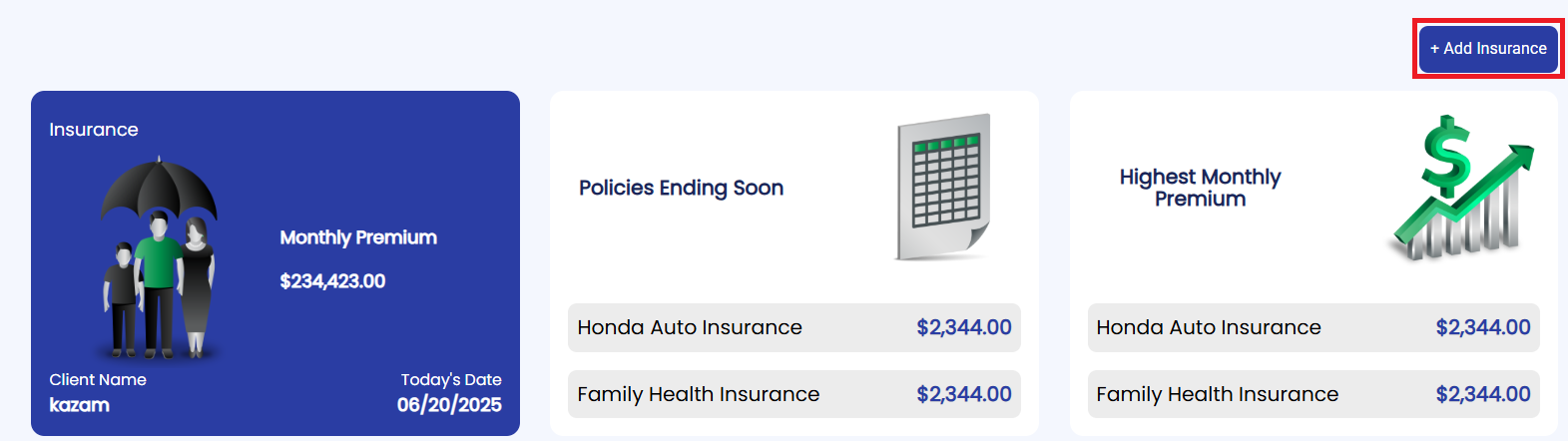
User clicks the “Add Insurance” button on the Insurance Overview Page.
Steps:
- User clicks the “Add Insurance” button.
- System displays four main insurance types:
- Annuity
- Life & Health
- Property & Casualty
- Long-Term Care

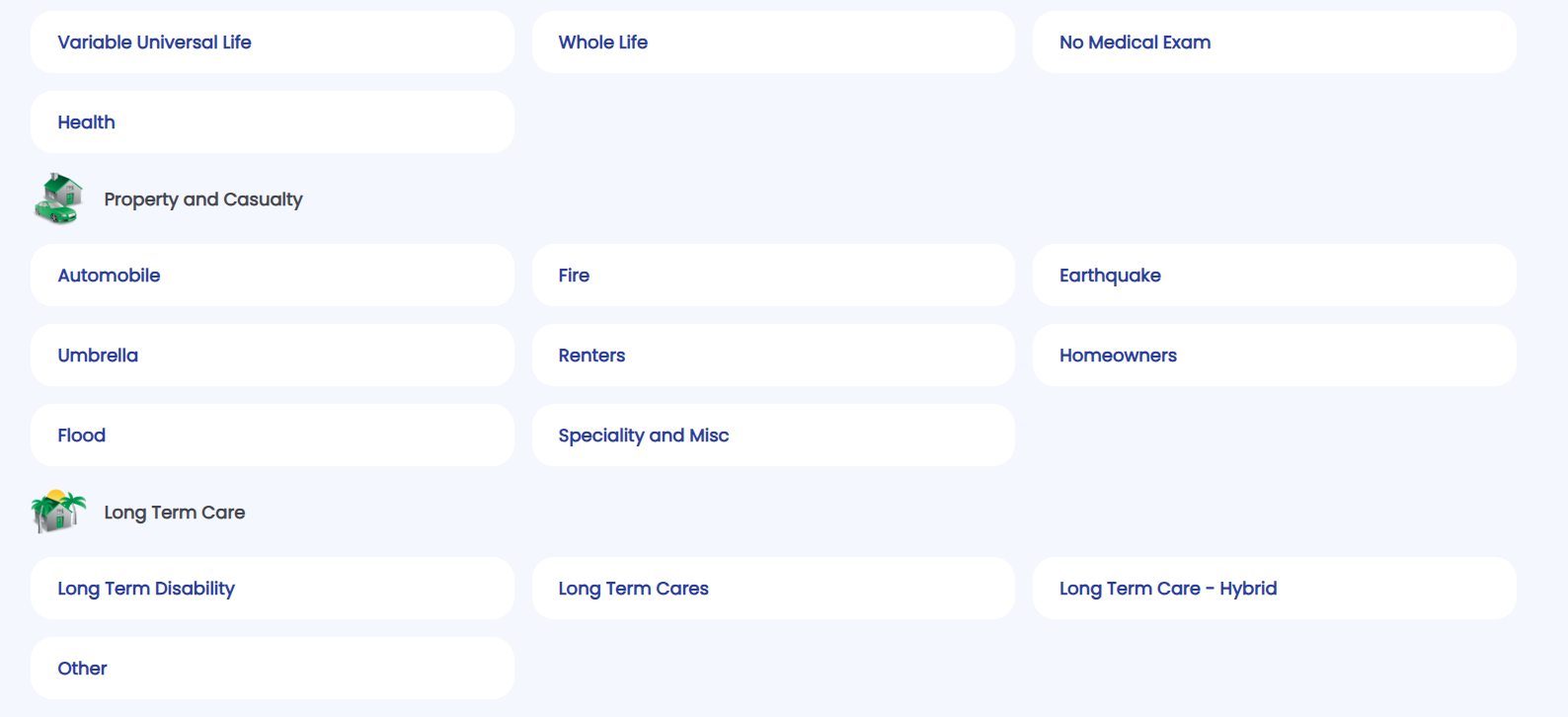
3. Under each type, the system reveals corresponding sub-types.
4. User selects a sub-type.
5. A form appears with a few steps

6. User fills in the insurance details and clicks “Submit”.
7. System adds the insurance policy, updates the summary cards, premium graph, and listing table.


